iPhone · Test version
How to get Promenado on iPhone
On iPhone the test version runs through TestFlight, a free Apple app for test versions. It’s best to open this page directly on your iPhone. Setup takes about three minutes.
Install TestFlight
Tap the button. The App Store opens at «TestFlight» by Apple. Tap «Get» and confirm with Face ID, Touch ID or your passcode.
If you already have TestFlight, it says «Open». Then go straight to step 2.
Open TestFlight in the App Store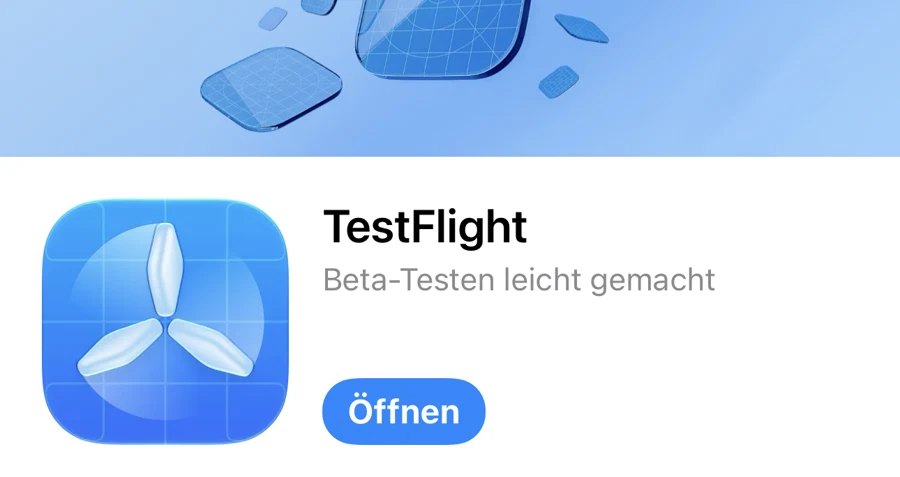
Accept the invitation
Open the invitation on the same iPhone. TestFlight opens with «Promenado». Tap «Accept».
Open invitation
Install Promenado
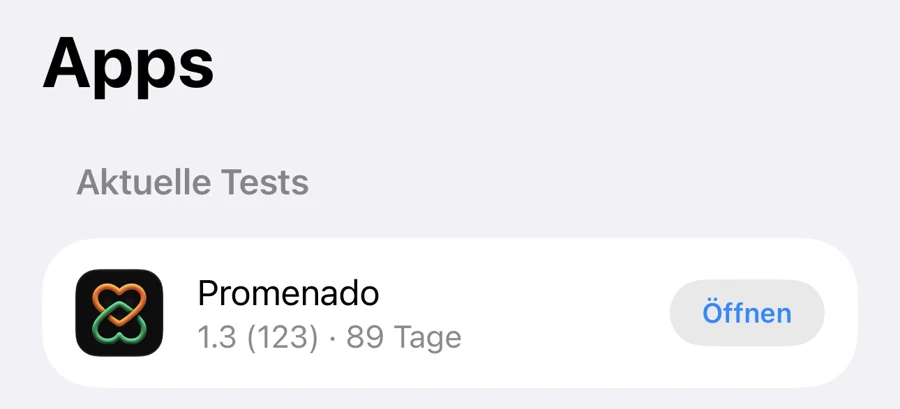
Tap «Install» in TestFlight. Promenado then appears in TestFlight under «Current tests» with the «Open» button. The app also appears on your Home Screen. The small orange dot next to the name shows that it is a test version.
Get started
Open Promenado and create your account. The app guides you through registration. Have fun getting to know people!
Not working?
The link doesn’t open TestFlight
Install TestFlight first (step 1), then open the invitation again.
«This beta isn’t available»
Then we’re preparing a new version right now. Write to us briefly and we’ll get back to you.
Write to us at support@promenado.ch. We’re happy to help.